Docs.
Everything kyfram understands: scripts, kinds, props, flags. The mental model is CSS @keyframes applied to video.
What kyfram is
kyfram is a small, opinionated engine for motion graphics. You write a .lgv script in the Logos language declaring states-at-times — scene(), shape(), text(), group(), camera(), audio() — and Go owns the tweening: Timeline → Interpolate → gg canvas → ffmpeg.
Retiming is editing a number, not re-directing callbacks. The engine owns 100% of the sequencing and tweening between your declared states.
Pronounced KAI-fram, like keyframe without the e.
The pipeline
scene(2, 30)
shape("ball", "circle", table{
    "0": table{x: 100, y: 180, r: 40, color: "#e64c40"},
    "2": table{x: 540, y: 180, r: 40, color: "#e64c40"},
})| Stage | What happens |
|---|---|
| LoadScript | reads the .lgv + use "x" deps into one source string |
| Builder.Bind | registers scene/shape/text/group/camera/audio calls |
| vm.Run | executes the script; declarations populate the Timeline |
| Interpolate | for each frame t, lerps numbers, mixes colors, snaps text |
| RenderFrame | draws every entity onto a gg canvas |
| Encode | pipes raw RGBA frames to ffmpeg → mp4 (or one PNG) |
What you get
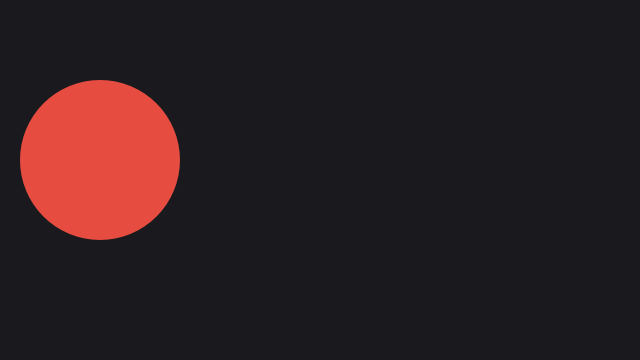
intro.lgv2sBall glide + caption. Two keyframes, 12 lines.
hover to play
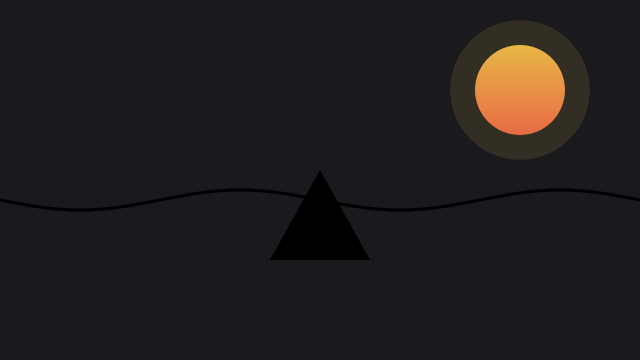
wave.lgv4sMorphing wave, gradient sun, text on a path.
hover to play

groups.lgv3sGroup orbit — children keep local x/y.
hover to play
dash.lgv10sProduct cut with helpers, camera, music.
hover to play
camera.lgv4sKeyframed pan and zoom.
hover to play
ease.lgv2slinear vs easeIn, side by side.
hover to play

voice.lgvTTSMinimal TTS with word timings.
hover to play

spinner.lgv3sArc ring and rotating hand.
hover to play
Limits, honestly
2D screen space only. Groups are flat, one level. Gradient fills apply to filled kinds; strokes and images stay flat. Audio loops whole files. TTS needs network for neural voices, otherwise falls back to local espeak or beeps.